Most of the delays we see on digital cases have nothing to do with the scanner. They come from a margin the scan did not capture, a missing bite, or an Rx that leaves a key question open. The good news is that nearly all of them are preventable with a quick check before you hit send.
Before you scan
- Retract and dry. Soft tissue and moisture over the margin are the most common reasons a scan cannot be designed as-is. Cord or other retraction where the margin is subgingival makes a big difference.
- Scan the full arch when it matters. Quadrant scans work for many single units, but bridges, multiple units and anything that affects anterior guidance are better with full arches.
- Capture the opposing arch and a bite. A crown designed without a reliable bite is a crown that will need adjustment.
Check the scan before you send it
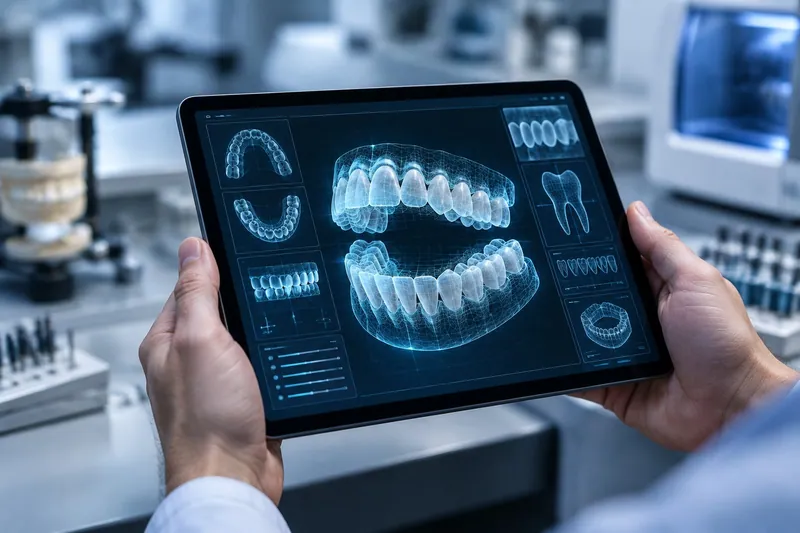
Take thirty seconds to rotate the model on screen and look for:
- A continuous, clearly visible margin all the way around the prep
- No holes or stitching artifacts on the prep, adjacent contacts or occlusal surfaces
- Adequate reduction, shown by the clearance tool if your software has one
- A bite that looks right, with the arches meeting where they should
If something looks off, a quick rescan of that area is much faster than a remake.
What the Rx should include
A complete prescription lets us start the moment the scan arrives. Our fillable lab prescription form covers all of it:
- Patient name or case ID, doctor name and practice
- Tooth numbers and restoration type
- Material, or "lab to advise" if you want our recommendation
- Target shade and stump shade
- Contact and occlusion preferences
- For implants: system, platform, connection and retention type
- The date you need it, especially for rush cases
Photos are worth the extra minute
For anything in the esthetic zone, photos help more than any written shade note. Take them in neutral light with a shade tab held in the same plane as the tooth. A retracted shot and a natural smile shot together tell us most of what we need to know.
How to send a case to us
Email scan files, or send them from your scanner portal, to dentalcreationscad@gmail.com, and send the Rx to ron@dentalcreations.net. Put the patient name or case ID in the subject line of both so we can match them. Physical impressions can be picked up anywhere in Greater Boston. Call us at 781.853.0777 to schedule.
Our send a case page has the full details, and we are happy to walk through your first digital case with you by phone.
Questions about a case?
Our technicians are glad to talk through materials, shade or design before you send it. Call 781.853.0777 or email ron@dentalcreations.net.
Send a case